
AndBible 6.0 public beta: one app for Android, iPhone, iPad, Mac, Windows and Linux
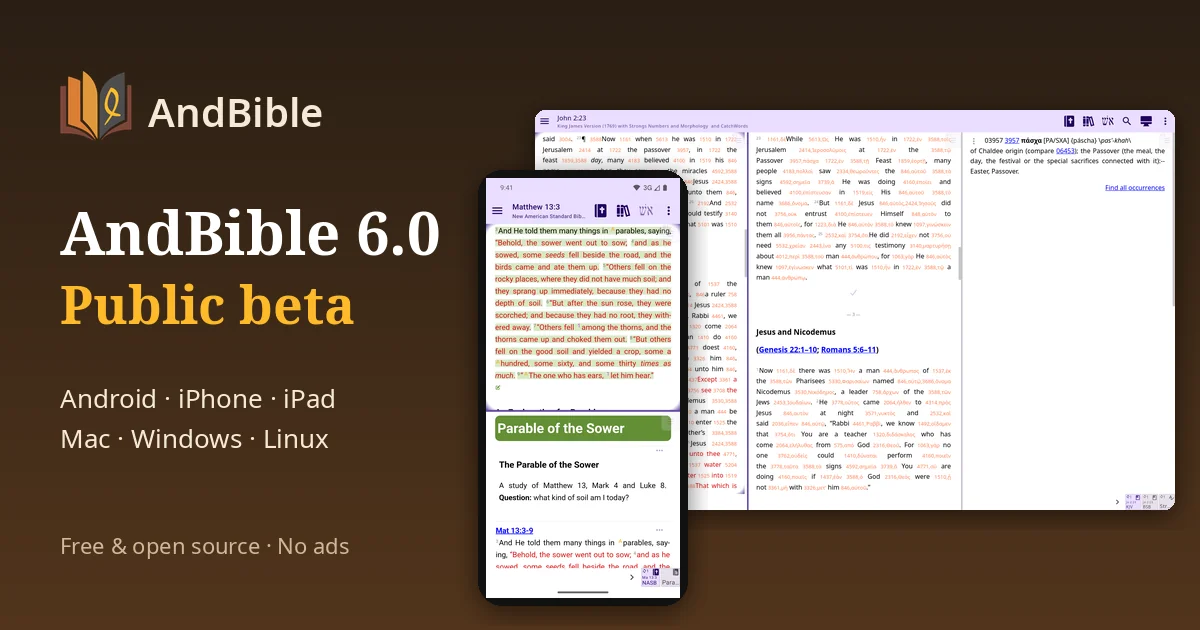
Today I am opening the public beta of AndBible 6.0. It is the biggest change in AndBible's history: one shared app for Android, iPhone, iPad, Mac, Windows and Linux. The Android, Windows and Linux betas are available now; the iPhone and iPad beta (which also runs on Apple Silicon Macs) follows in a few days.
Faster than planned
This is not what I expected to be writing this autumn. In July the separate iOS app opened its public beta as an early MVP, and in September it reached the App Store. A month ago, in the roadmap for Q4 2026 and Q1 2027, the plan was:
- Q4 2026: release the Compose version to Android users only, first as a beta, with no new features.
- Q1–Q2 2027: bring the shared codebase to iOS in a unified release, "when it is ready, not by the calendar".
- WebDAV sync: to be built after the Compose release.
What is here now, in November:
- The 6.0 beta is the multiplatform version, not an Android-only one. The same code runs on Android and on iPhone and iPad, and the iOS beta of it opens in a few days.
- Windows and Linux are new platforms that were not in any roadmap.
- WebDAV sync is already in, next to Nextcloud on every platform, iCloud Drive on Apple devices and Google Drive on Android.
One big factor in this pace is JailBee, my own side project, which I develop partly at my workplace, Gisgro Oy. It runs each piece of development work in its own isolated container and lets me coordinate many of them at once, so large efforts like this port move more smoothly than before. Like AndBible, JailBee is open source under the GPL-3.0 licence.
The whole interface, gone through screen by screen
The largest part of this release is one you could not see until now. Since early summer, when the UI modernisation work started, I have gone through AndBible's whole interface view by view. In July every screen was rebuilt in Compose and checked against the classic one. August went into round after round of comparing old and new screens side by side on a real device. In September the structure underneath changed: one navigation graph instead of separate Android activities, a restructured reading view and a new dialog system. Since then every section has been verified, and every defect found has been fixed.
Along the way a large part of the interface was redesigned, not just copied: Material 3 throughout, clearer menus and dialogs, and many small usability improvements in places that had aged. It has been long and largely invisible work. With this beta it finally reaches you, and the same interface is now shared by every platform, so your Bibles, bookmarks, notes and StudyPads work the same way wherever you open them.
What is new
- Every platform. AndBible now runs on iPhone, iPad, Mac, Windows and Linux as well as on Android. On a Mac it is the iPad app, on any Mac with Apple Silicon.
- A new interface, rebuilt with Compose Multiplatform and shared between the platforms.
- Sync between platforms. Nextcloud and WebDAV sync work everywhere. iCloud Drive is available on iPhone, iPad and Mac, Google Drive on Android (not in the F-Droid build).
- Background activity: syncing, downloads, search indexing and AI agent runs show in an activity list, and finished or failed work is reported with a notification.
- Reading plans are now included in synchronization.
- Search: Find all occurrences no longer opens a separate full-screen results page.
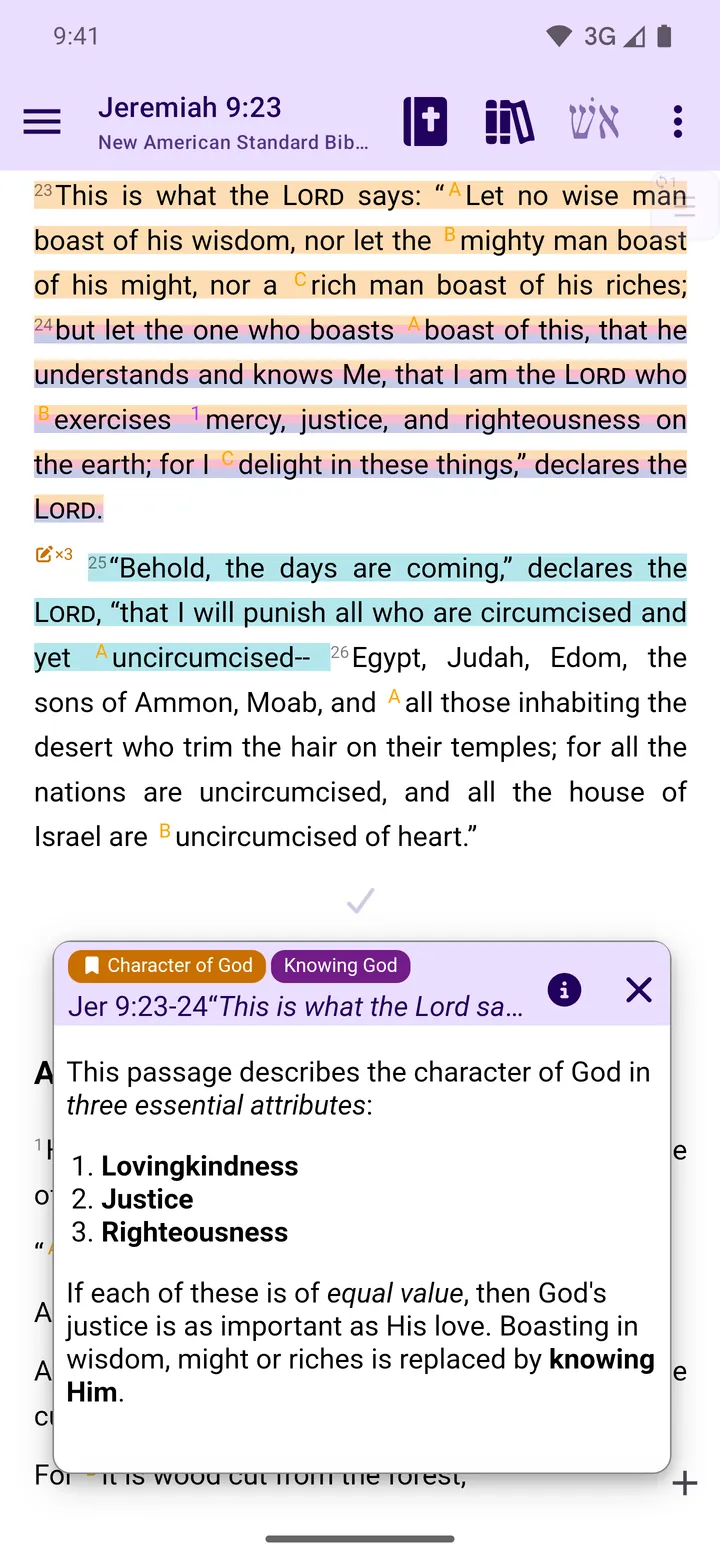
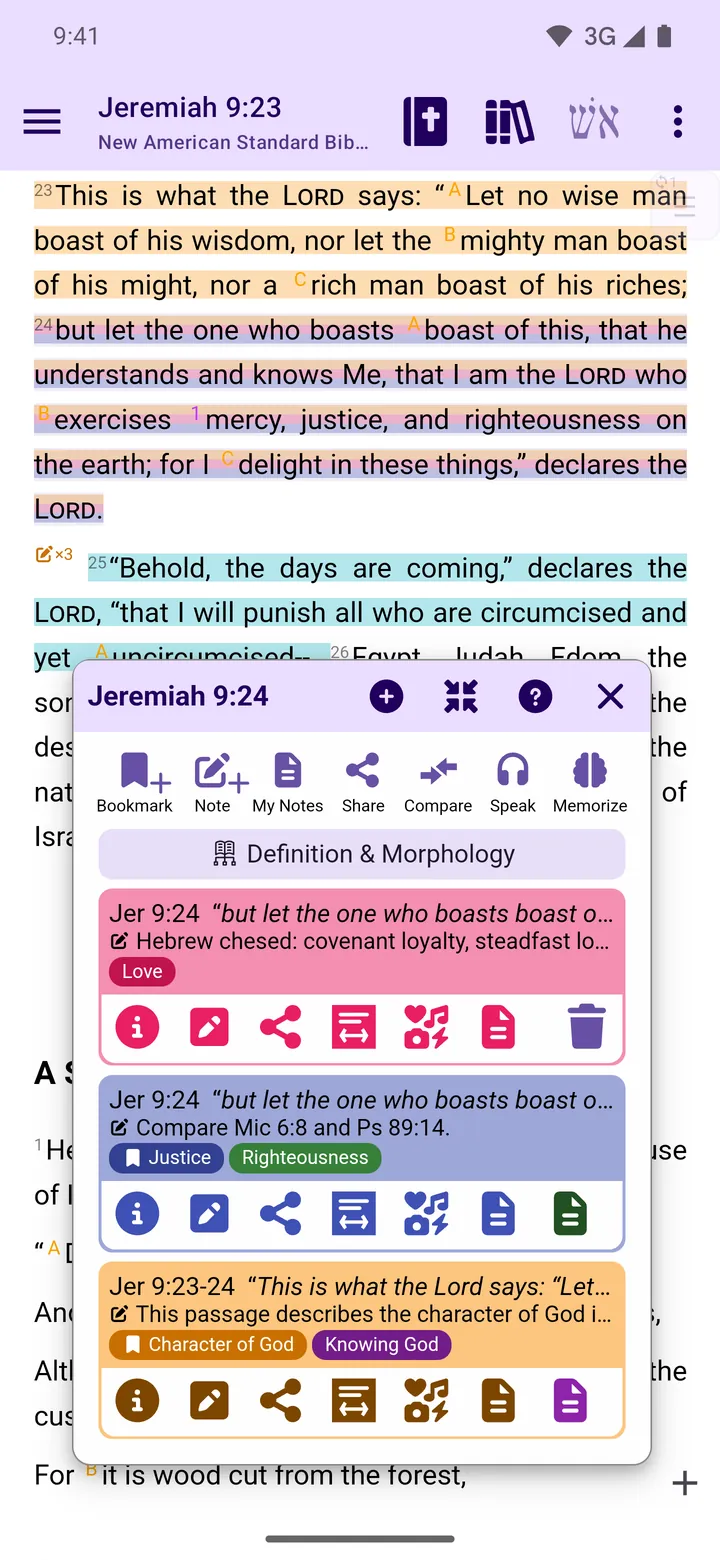
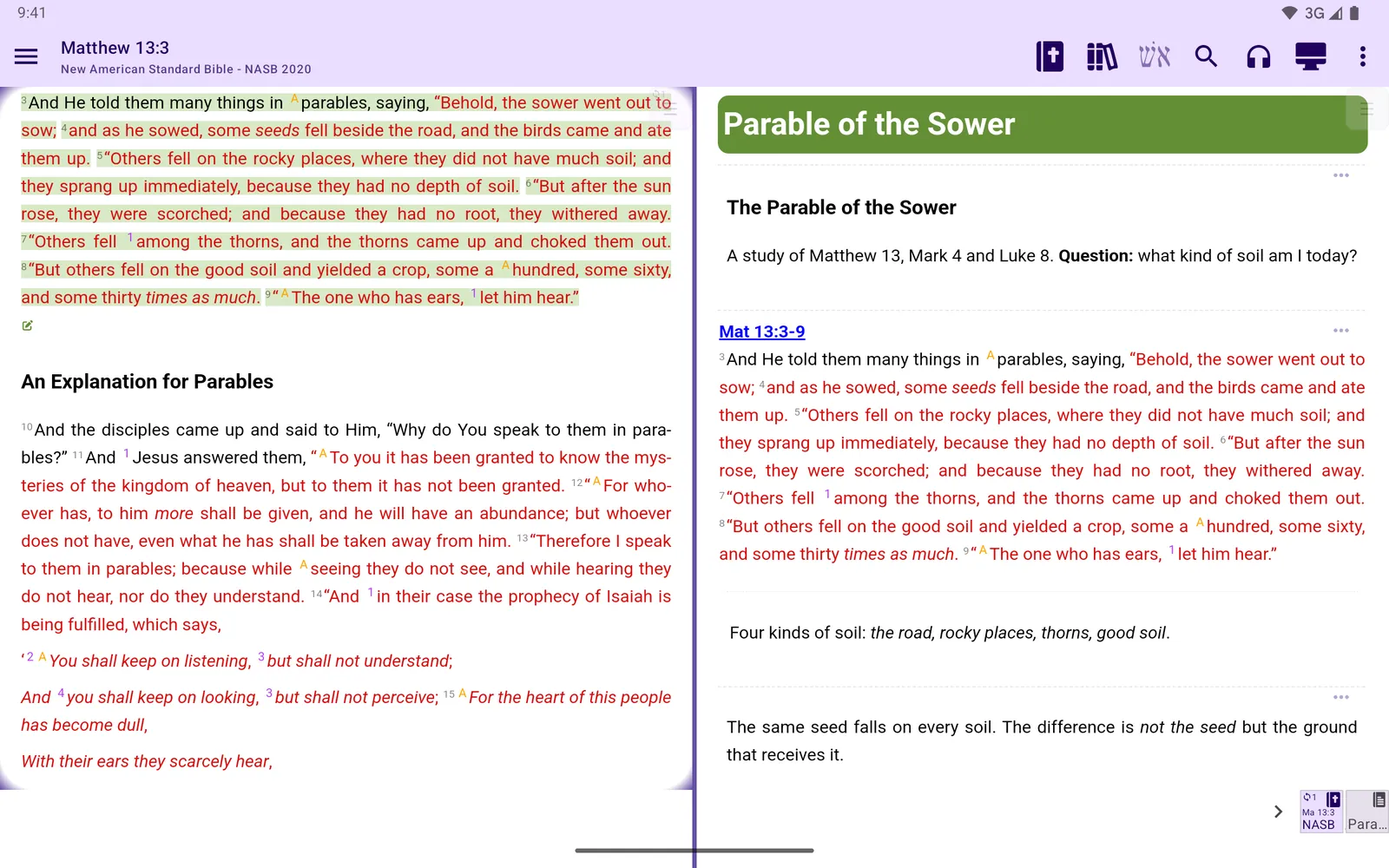
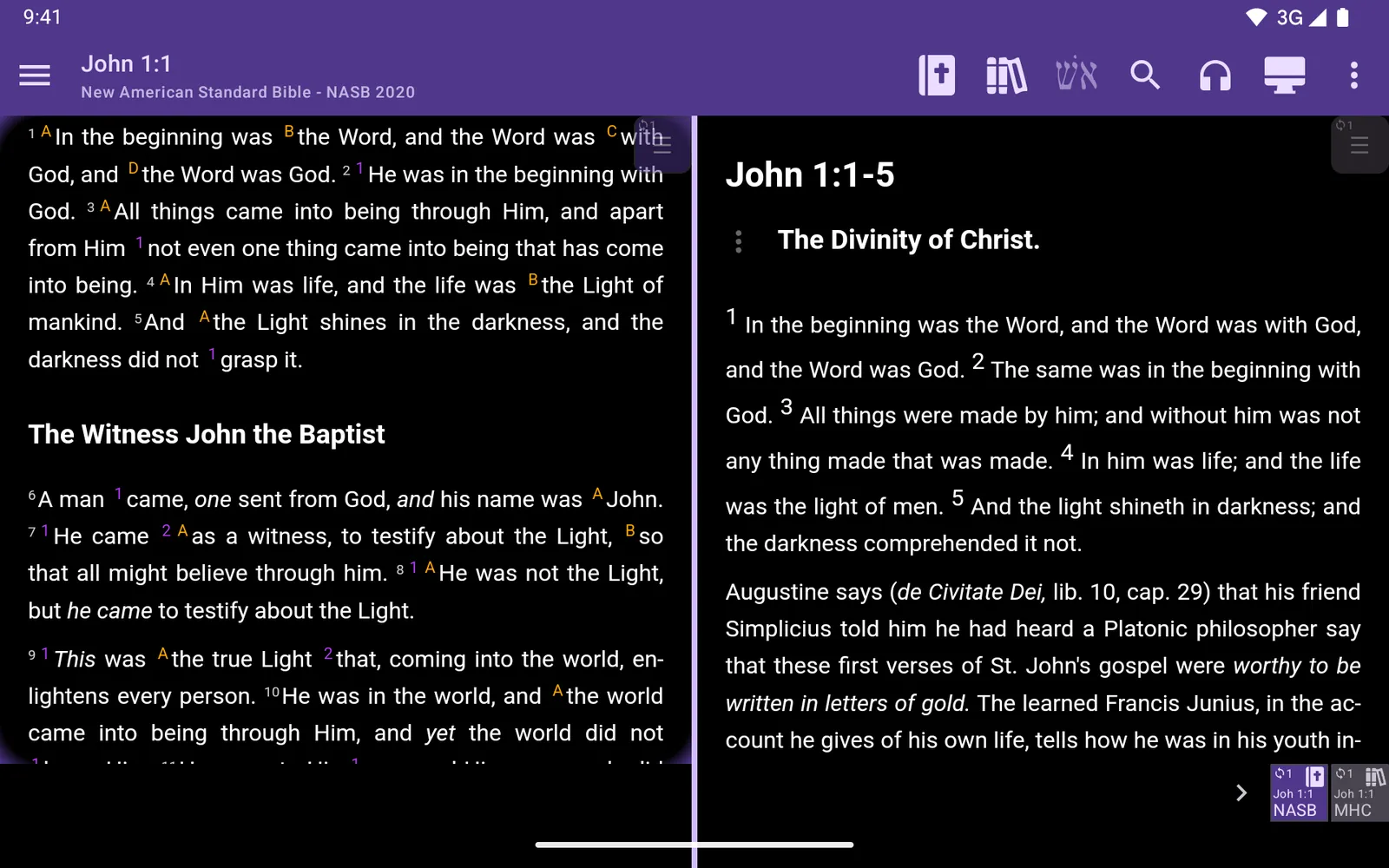
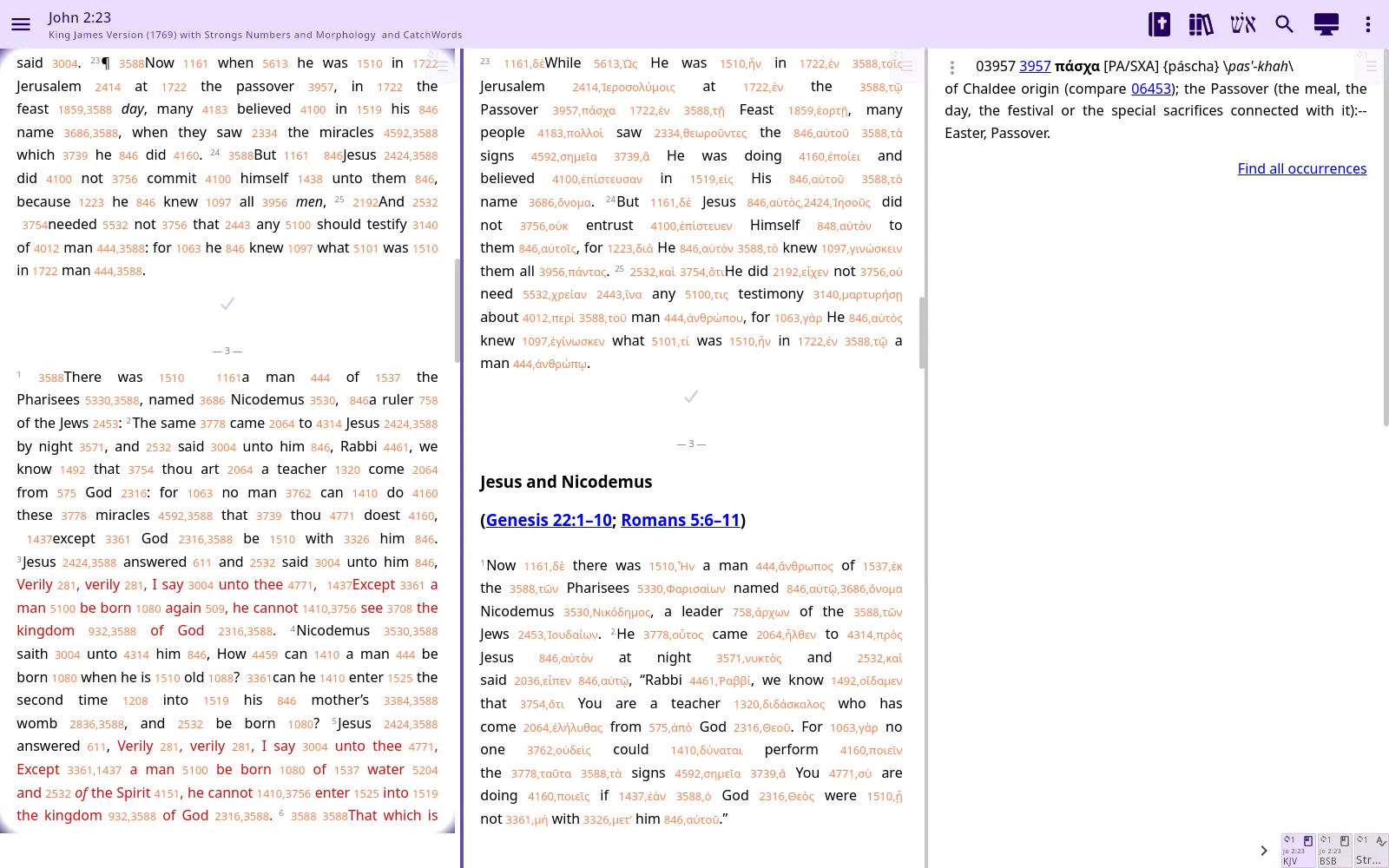
There are many more fixes and improvements. The full list is on the Release 6.0 page.
How to join the beta
Android. Join the beta programme on Google Play
with the Google account of your phone or tablet. Google Play then updates AndBible to the beta.
You can leave the programme on the same page at any time and go back to the stable version at its
next update. If you do not use Google Play, download the andbible-<tag>.apk file (not calculator-…) from the newest
Beta release on our GitHub releases page.
Windows and Linux. AndBible for the desktop is new in 6.0. Download the Windows installer
(.msi) or the Linux .deb package or AppImage from the newest Beta release on the
GitHub releases page. Both are for 64-bit
computers. The Getting started guide walks you through the
installation, and AndBible on Windows and Linux has the details.
iPhone, iPad and Mac. The 6.0 beta for Apple devices is coming in a few days through Apple's TestFlight, as soon as I have finished testing it on real devices. This post and Getting started will have the link when it is open. Until then the App Store has the current AndBible for iOS.
As always, AndBible is free and open source, with no ads and no tracking, on every platform.
Things work a little differently on each platform
Most of AndBible is the same everywhere, but not everything: for example which sync services you can use, how files are shared and how updates arrive. The Platform differences page lists them.
Please tell us what you find
A beta is a version for everyday use, but it will have rough edges, and that is exactly why we need you. When something does not work:
- In the app, open the menu, then Feedback / bug report. The report includes the details we need to find the problem. The same menu item is there on every platform.
- Or open an issue on GitHub.
Please tell us your device and operating system, and what you were doing when the problem happened. More about reporting is on the Support page.
Thank you for testing, and for helping AndBible reach every device.
God bless,
Tuomas Airaksinen
Lead developer, AndBible Open Source Project